-cropped-2.svg)
To add a dial-in number to your meeting invite, you need to add the proper license.
Here is a quick guide for this feature - add-a-dial-in-number-to-your-ms-teams-meetings/
- Go to Microsoft 365 Audio Conferencing Adoption
- Log in as admin to your Microsoft 365 account
- Go to Subscriptions on the left sidebar
- Click on "add more producs"
- Search for Audio Conferencing
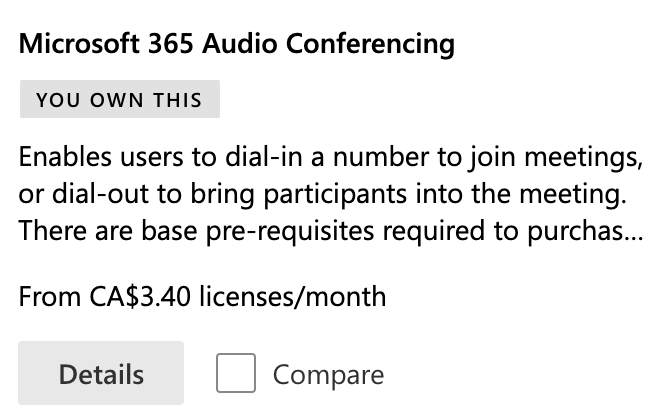
- Purchase this
- Set up your location so the default phone number that gets added to each Teams invite works in you region(s).